The MagicDoor's Help
Unlock the full potential of property management with MagicDoor's Help. Dive into expert insights, practical guides, and industry tips to streamline operations, enhance tenant experiences, and scale your business with confidence.

How to Extend a Lease
Follow these steps to extend an existing lease:
Navigate to the lease:
- Click on Leasing in the left sidebar
- Select Leases from the menu
- The dashboard will show you all active leases
- Click on the lease to view the lease detail page
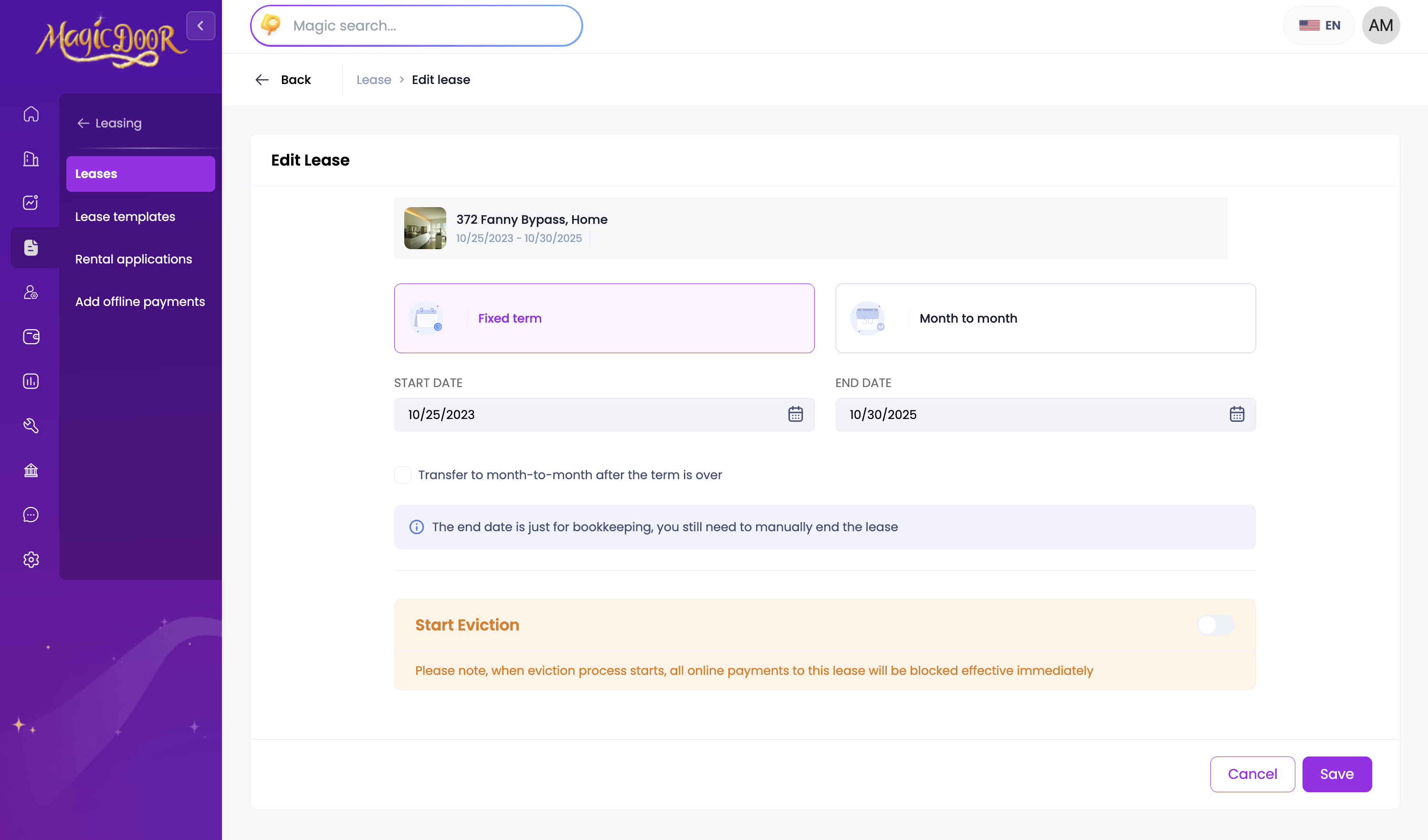
Click on Extend lease button

Complete the lease form:
- Fill out all required information in the form
- Review your submission
Need More Help?
If you have questions, our support team is always here to assist. 👉 Contact us anytime at support@magicdoor.com